

FineTune: Per-App Volume Control macOS Should Have Had
FineTune is a free and open-source macOS menu bar audio utility. It lets you adjust volume per app, route different apps to different output devices, and switch audio devices from one place.
Introduction
This is another simple utility share: FineTune.
It fills a strange gap on macOS. Windows has long had a way to adjust volume per app, but macOS volume control is still mostly global. If you want music, a browser, and meeting apps to each have their own volume, the built-in controls are not very direct.
FineTune solves that gap: each app can have its own volume, and each app can be routed to a specific audio device.
Related links:
What FineTune Does
FineTune is a macOS menu bar audio utility. The GitHub description is direct: it supports per-app volume control, multi-device output, audio routing, and a 10-band EQ.
For most users, the first two are the obvious wins:
- Adjust volume separately for each app
- Choose different output devices for different apps
For example, you can send music to headphones, route a meeting app to another device, or mute one app without affecting everything else. This kind of control is common on Windows, but macOS does not provide the same convenient entry point by default.
Installation
The easiest way is Homebrew:
brew install --cask finetune
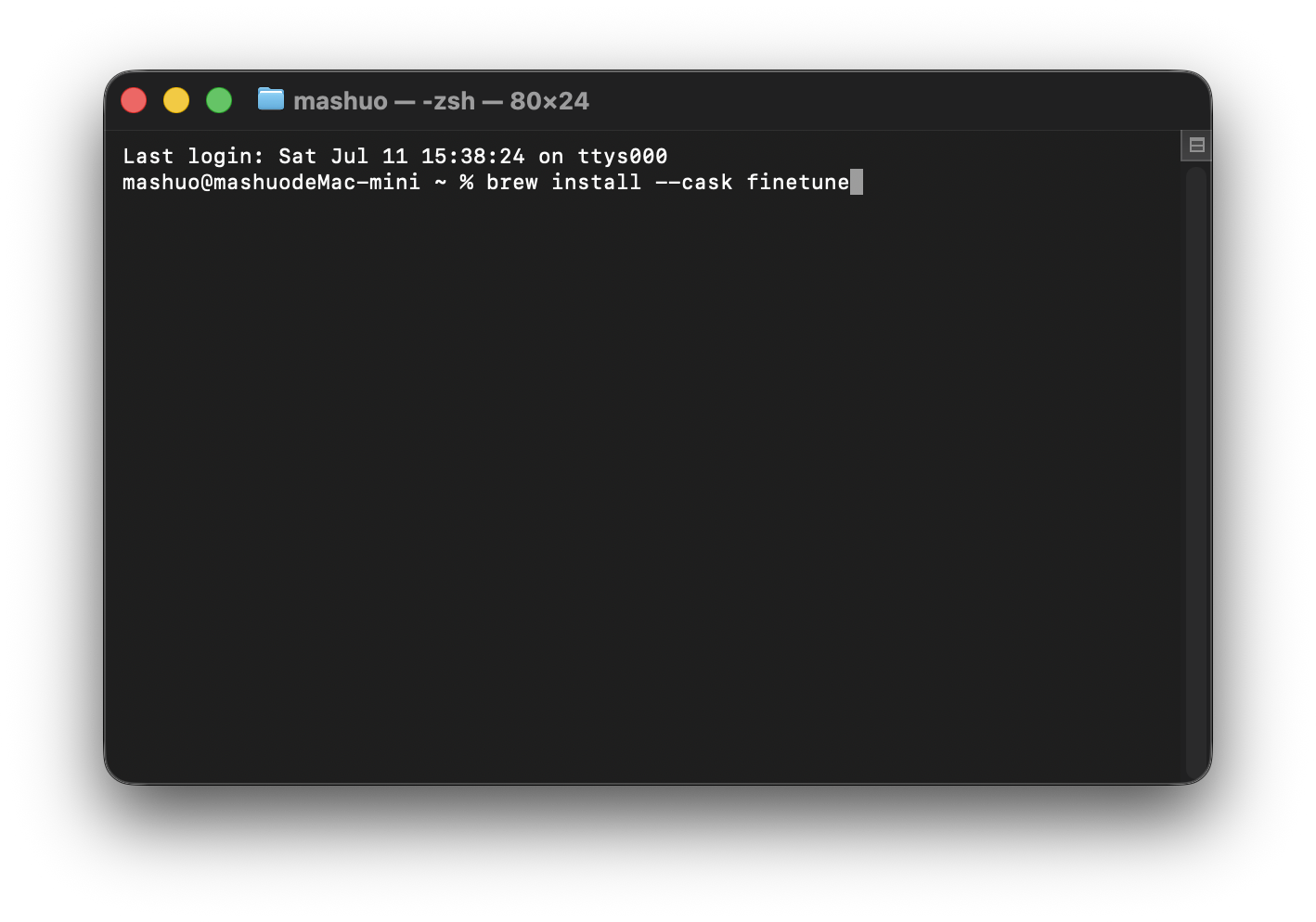
The Homebrew cask I checked is currently 1.9.0.
If you do not want to use Homebrew, download the dmg from GitHub Releases:
The latest release I checked is v1.9.0. Download FineTune.dmg, then install it like a normal macOS app.
It Lives in the Menu Bar
FineTune mainly works as a menu bar utility.
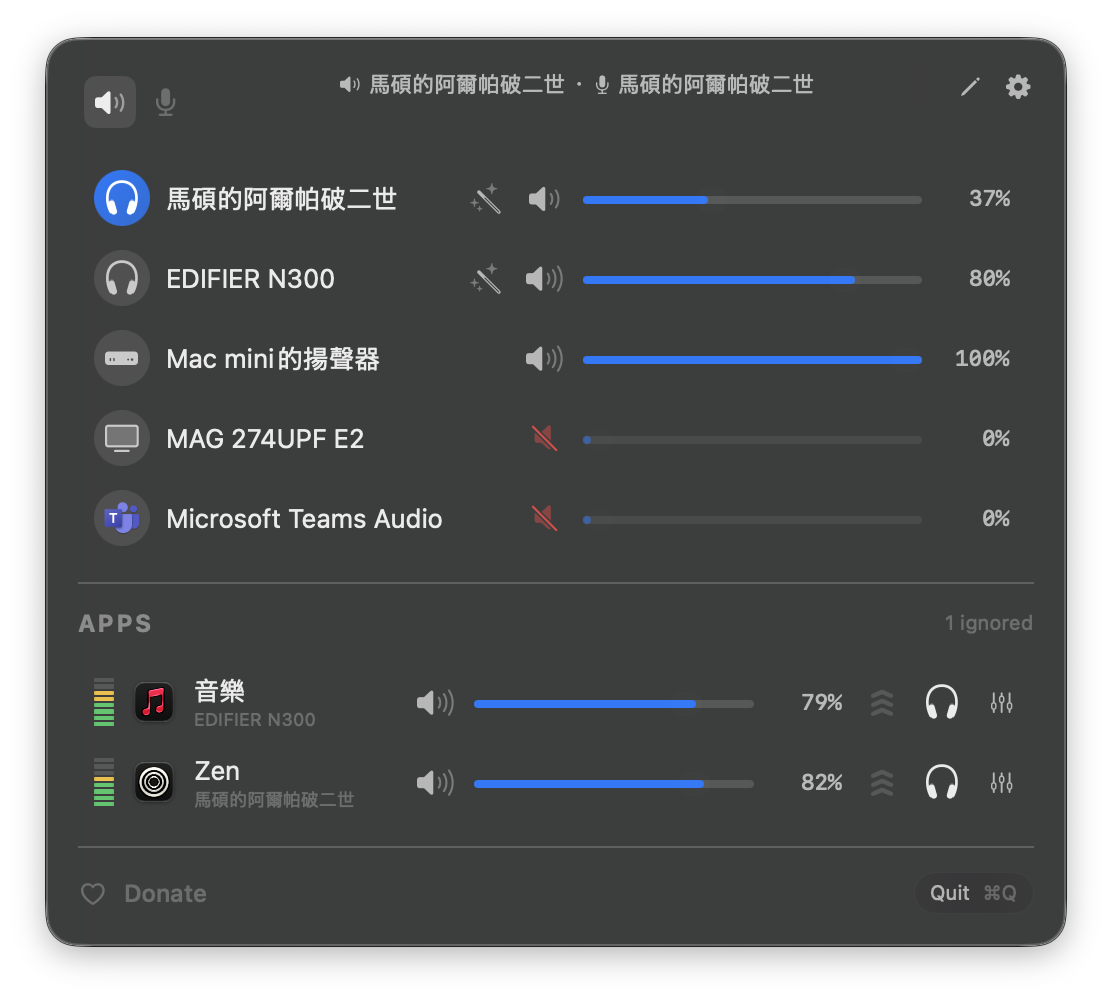
Open it and you can see your current output devices, input devices, and apps that are playing audio. Each row has its own volume slider.
The app section is the useful part. As shown in the video, music, Zen, browsers, or other sound-producing apps can each keep their own volume and output device.
I think it is most useful if you often have multiple audio sources open:
- Music players
- YouTube or browsers
- Discord, Teams, Zoom
- External monitor speakers, headphones, Bluetooth speakers
You do not need to keep digging through System Settings, and you do not need to raise or lower the whole Mac volume every time.
Wrap-Up
FineTune is not a complicated tool. Its value is direct: it gives macOS the per-app volume control macOS should already have.
If you only use one speaker and one global volume, you may not need it. But if you often run music, meetings, browsers, headphones, and monitor speakers at the same time, FineTune quickly becomes a useful menu bar app.
The part I like is that it gathers audio control into one small popup. Open it, drag a slider, switch a device, done.