

Latest: A Small macOS Utility for Checking App Updates at a Glance
Latest is a free, open-source macOS app update checker. It lets you see which apps have new versions in one place, and supports apps from the Mac App Store as well as apps that use the Sparkle update framework. The feature set is simple, but it is useful if you want to regularly keep your Mac software versions organized.
Introduction
This one is simple: I just want to share a small macOS utility called Latest.
Its job is to check whether your Mac apps have updates. After you open it, it scans your installed applications and lists which apps have newer versions, so you do not need to open each app one by one, go into the App Store, or wait for automatic update notifications.
What I like about Latest is not that it has a lot of features. It is that it collects one small but annoying task into one place: which software on my Mac needs updating?
Related links:
What Latest Does
Latest is a free, open-source macOS app. The official README describes it very directly: it checks whether your apps are up to date, lets you quickly see which apps changed and what changed, and can update them directly.
It currently supports two sources:
- Apps downloaded from the Mac App Store
- Apps that use the Sparkle update framework
Sparkle is a framework many macOS apps use for automatic updates, so Latest covers more than you might expect. That said, it is not universal. If an app has its own closed update mechanism, or does not provide readable update information at all, it may not show up here.
Installation
The easiest way is to download it from the official download page or GitHub Releases:
The latest GitHub version at the moment is 0.11, and the release file provides Latest.dmg.
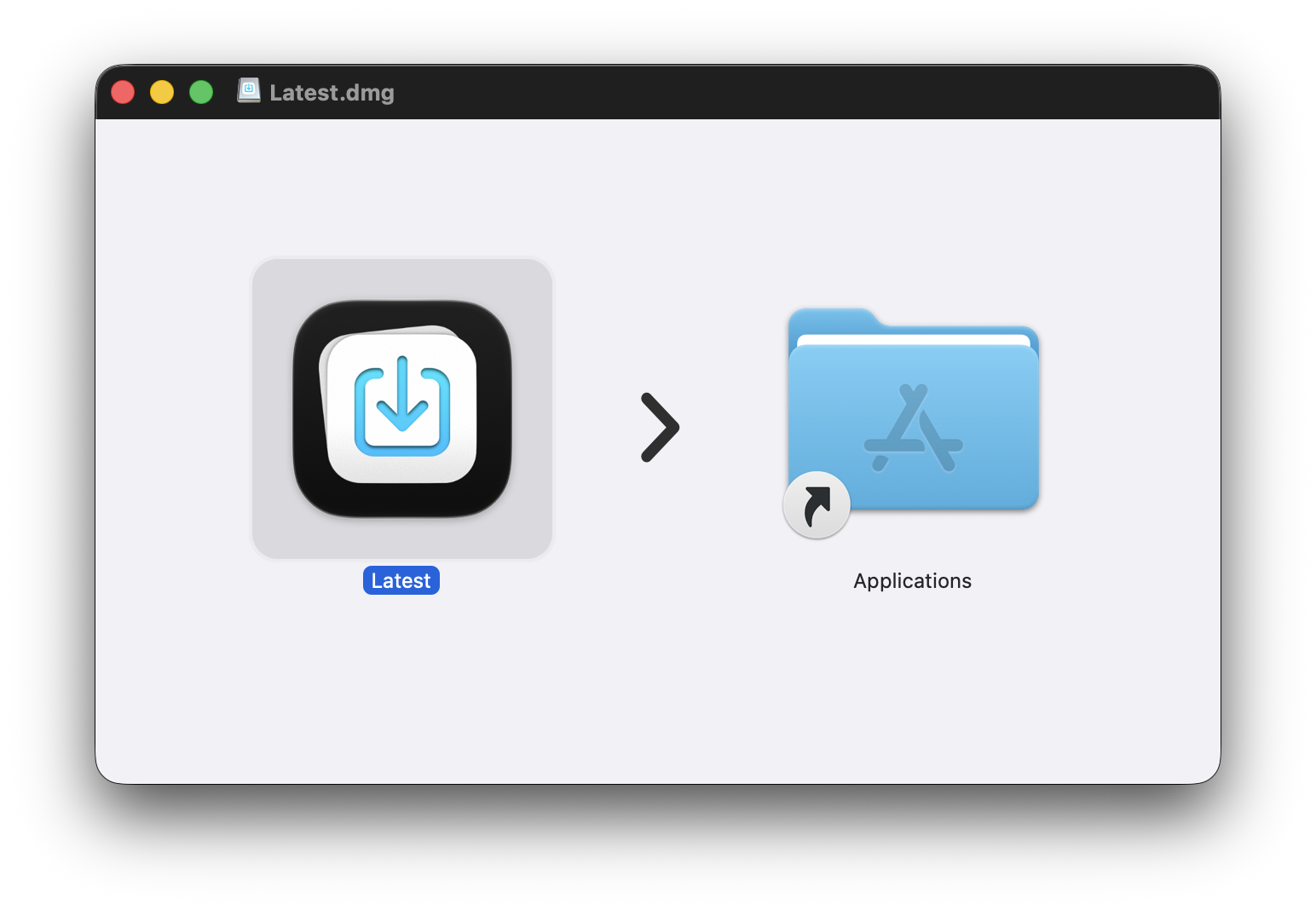
After downloading the dmg, open it and drag Latest into Applications.
If you usually use Homebrew, you can install it directly:
brew install --cask latest
In my testing, the current Homebrew cask version is also 0.11.
Using It Is Basically Reading a List
Latest has a very simple interface.
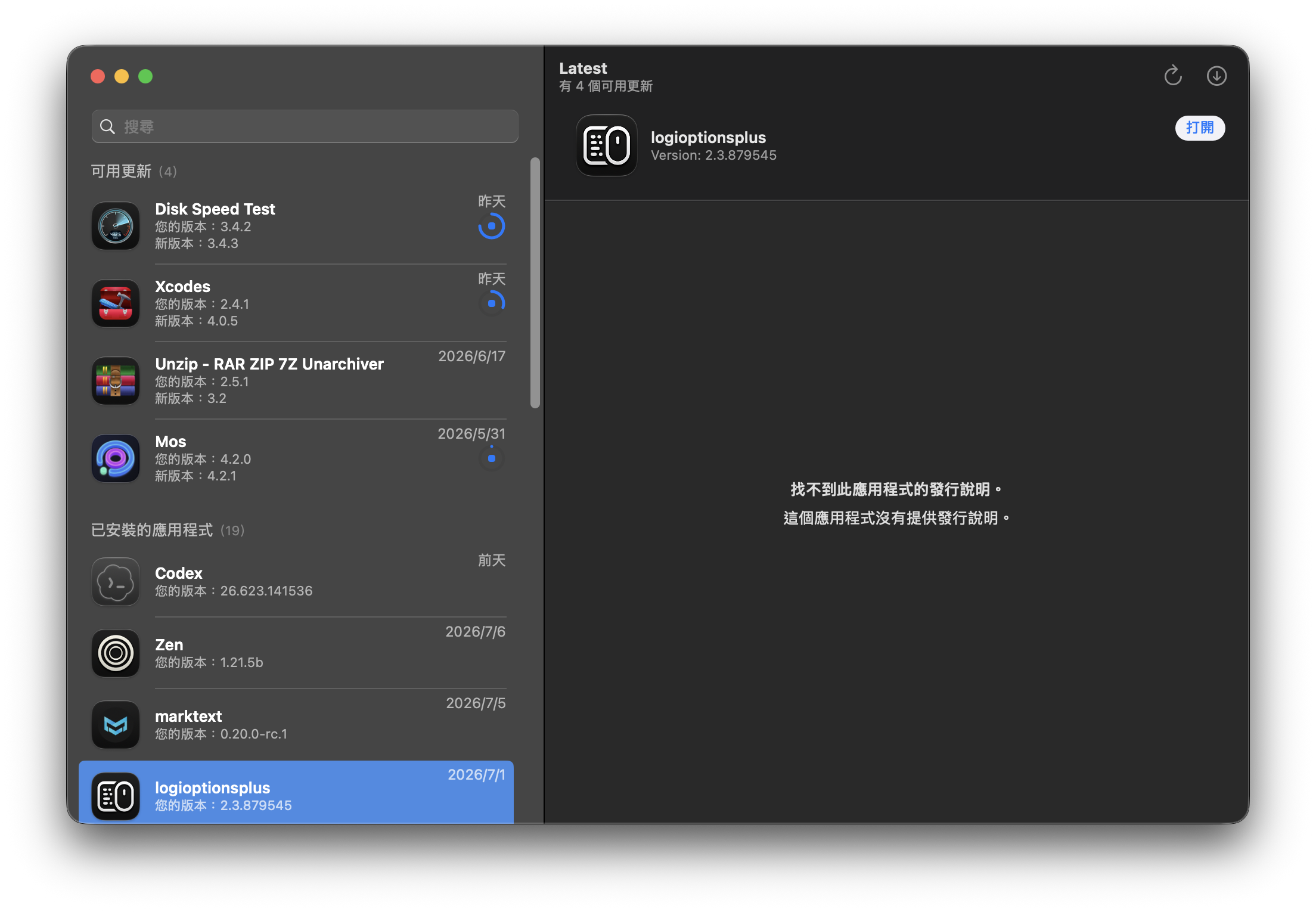
The left side lists available updates and installed applications, while the right side shows the selected app. If the app provides release notes, in theory you can see what changed. If it does not, it will show that release notes could not be found, like in my screenshot.
It is not the kind of tool that asks you to spend time configuring it. It is more like this:
- Open Latest
- See which apps have updates
- Update the ones you need
- Leave the ones you do not care about for later
For me, this feels much better than waiting for random apps to pop up their own update windows.
Who It Is For
I think Latest is useful for these kinds of people:
- People who install a lot of utility apps on their Mac
- People who want to check updates in one place instead of opening apps one by one
- People who often forget to update small tools
- People who want to see which apps have new versions without installing a large management app
It is not some complex system maintenance utility, and it is not an App Store replacement.
But if all you want is a list of “which apps should I update today,” it fits nicely.
Wrap-Up
Latest is a small and very simple macOS utility, but I find it pretty practical.
It does not try to turn software management into a big system. It just organizes update checks into a clear list. For someone like me who often tests tools and installs a lot of apps, opening it occasionally for a quick scan makes it easy to see which software has fallen behind.
If you also have a lot of small tools installed on your Mac, you can keep Latest around and open it whenever you want to clean up your updates.