

Codex Record & Replay Hands-On: Demo It Once, Teach AI Your Local Workflow
OpenAI Codex recently added Record & Replay. I tested how, in a local environment, you can demo a workflow once and have Codex record and automatically run script-based workflows like video compression.
Introduction
OpenAI recently added an interesting new feature to Codex called Record & Replay.
The idea is straightforward: you demonstrate your workflow once, and Codex records the whole process and turns it into a reusable Skill. After that, you only need to ask it to run the Skill, and it can replay the same workflow by itself. In practice, this means teaching AI your own workflow directly.
The official demos include common tasks like adding subtitles to YouTube videos, submitting leave requests, and organizing data. Here is the official workflow demo:
How to Install and Enable It
I found this feature in the plugin menu of the Codex App. After opening the Codex App, go to the Extensions or Integrations section, search for "Record & Replay", and you can find and install it directly.
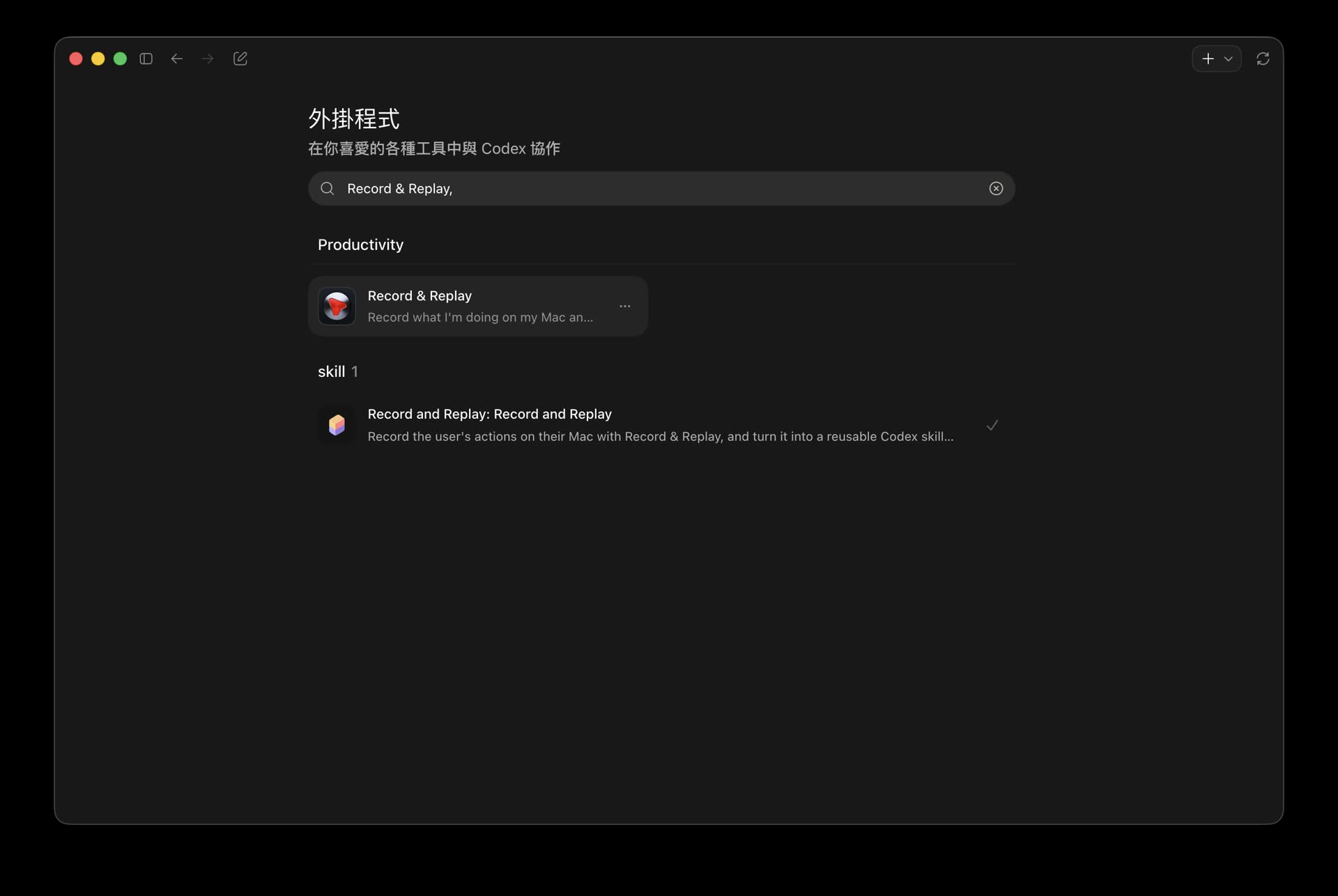
Search for Record & Replay in the Codex App plugin menu to install it
After installation, a recording control button appears next to the Agent input box, and you can call the feature directly from there.
Testing a Local Video Compression Workflow
I prefer processing video assets locally, so the workflow I tested this time was: demonstrate once how to compress a video locally using a script.
I first started Record, then operated on screen:
- Put a video file into the input area, which is a designated folder
- Call the video compression script I wrote earlier to run compression
- After compression finishes, output the video to the specified outer output folder
This control interface lets me manually decide when to start recording and when to stop.
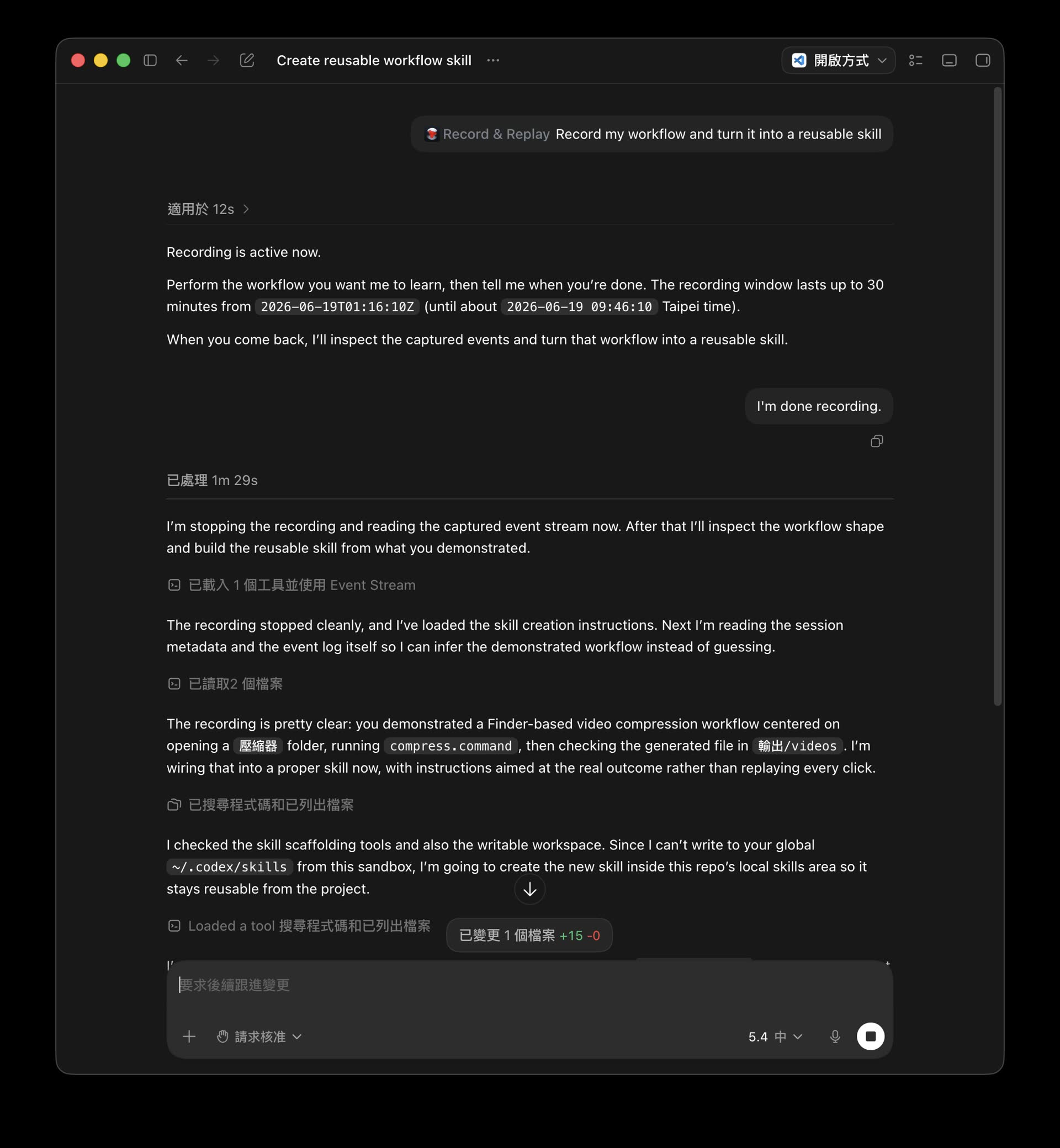
The control button is next to the Agent input box, letting you manually control when recording starts and ends
Verifying Automatic Execution
After recording this Skill, I tried letting it run once by itself.
I found that it could execute successfully. I demonstrated once how to compress a video locally with a script, including where to put the video and which script to use, and it was able to copy and run the process.
I recorded the actual automatic run:
The whole automatic execution process was very smooth, and its actions were fast. I did not need to manually move files again or type terminal commands.
How It Felt to Use
I have used quite a few workflow automation tools, but many of them require manually building complicated logic diagrams or writing a lot of configuration files. The advantage of Record & Replay is that it treats “demonstration” as the input for programming.
From my testing, this “teach it once and it learns” model is very suitable for handling repetitive everyday chores. It is especially useful for tasks that need to cross multiple apps or call specific local scripts. As long as the initial demonstration path is clear, Codex can reproduce it well.