

Pake Hands-on: Turn Threads into a Roughly 10MB Mac App with One Command
Pake is an open-source Rust and Tauri tool that packages websites as desktop apps for macOS, Windows, and Linux. I used it to turn Threads into a standalone app, from a terminal command to an app inside Applications.
Introduction
There are websites I open every day, but I do not want them buried among a pile of browser tabs. Threads is one of them. Its web version works well enough, but opening it to post or reply still means first finding the right tab.
Pake does one simple thing: give it a URL and it packages that website as a desktop app. This time I used its CLI to package https://www.threads.com as a Mac app named threads. The first build takes time to download the packaging environment, but once it finishes, I drag the app from the DMG into Applications and open it like any other app, without first opening a browser.
It does not turn a website into a native app. Login, content, and features still come from the Threads web version. The difference is that it has its own window and icon instead of sitting in my Chrome tab bar.
How I packaged Threads as an app
I used the CLI route and installed Pake first:
pnpm install -g pake-cli
Then all I needed was the URL and an app name:
pake https://www.threads.com --name threads
Pake fetches the website icon, downloads the environment needed for the first package, installs dependencies, and then creates an installer for the target platform. My Mac build produced a DMG. I opened it, dragged threads into Applications, and the app was ready.
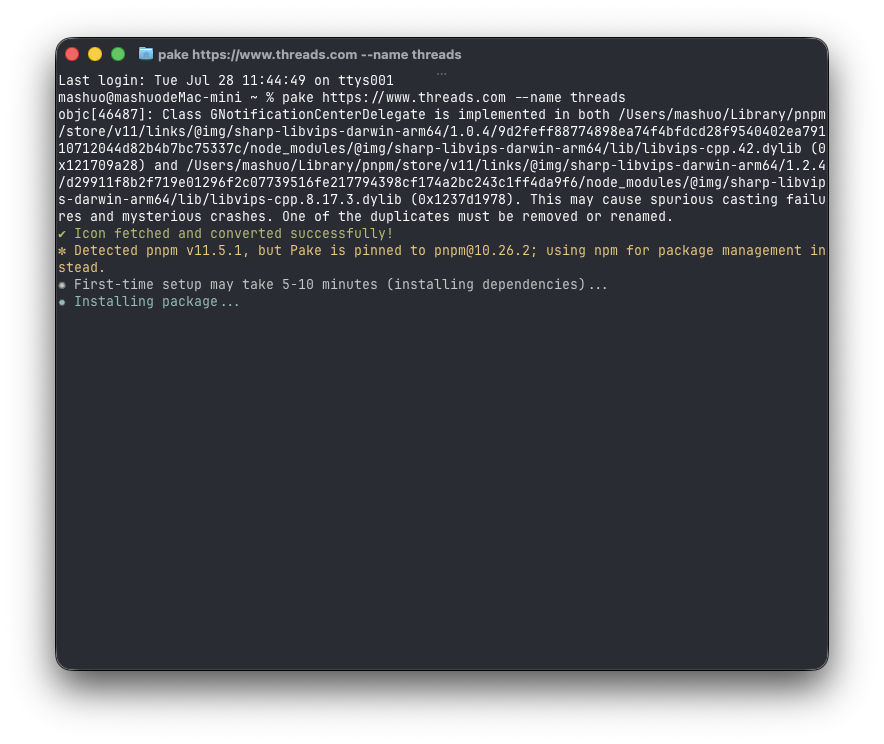
The URL and app name were the core of this build command.
The first package is slower because Pake is preparing Tauri and other dependencies, not because it is stuck. The video keeps that wait in the process. Packaging another website afterward is faster.
If pake cannot be found immediately after installation, open a new terminal window. Since I installed it with pnpm, I could also run:
source ~/.zshrc
That reloads the shell path added by pnpm.
After dragging it into Applications, the site has its own place
The packaged Threads app appears in Applications with the Threads icon. That is the part of Pake I like most: I did not write a webpage or touch a Tauri config file. I entered a URL, and it produced an installable app.
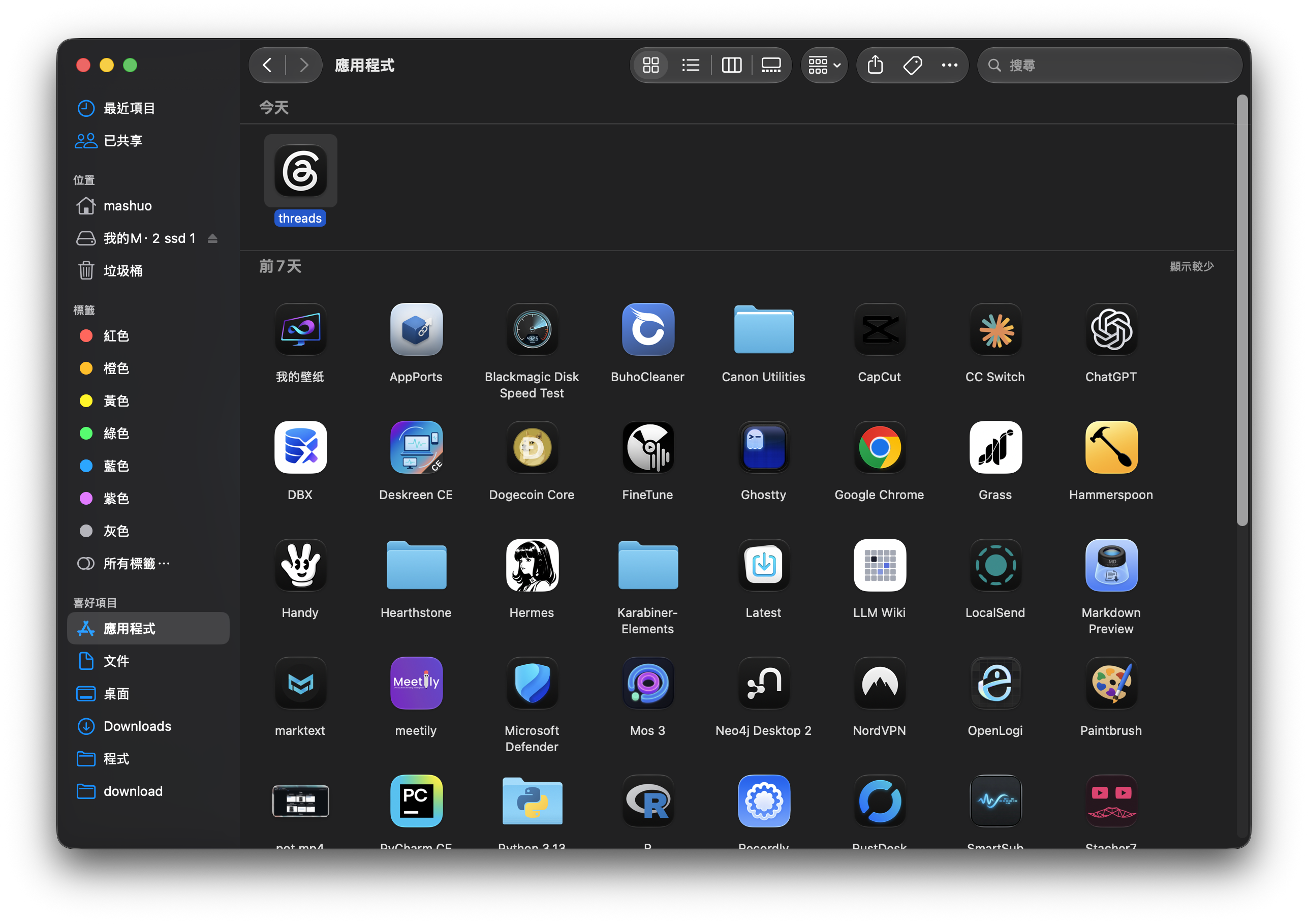
After the drag-and-drop install, Threads sits alongside the other Mac apps.
Pake uses Rust and Tauri for packaging. Its README says outputs are typically under 10MB, much smaller than common Electron wrappers. The Threads app I made was also roughly 10MB, although the final size depends on the website, icon, and target platform.
It is not limited to Mac
Pake supports macOS, Windows, and Linux, so the same website can be packaged for the relevant desktop platform. The project also offers ready-to-download wrappers for popular services including ChatGPT, Gemini, Notion, and YouTube Music.
The useful part for me is not the prebuilt apps, though. It is being able to give any website I frequently open, but do not want permanently taking a browser tab, its own place: an internal dashboard, note tool, reading site, or a service like Threads that I check several times a day.
When Pake makes sense
If you never use the terminal, this may not be the quickest starting point. Pake offers ready-made packages and an online building option that avoid some environment setup. But once you want to change the icon, app name, window size, or package several sites, the CLI becomes straightforward.
For example, I can set the size and icon while hiding the title bar:
pake https://weekly.tw93.fun --name Weekly \
  --icon https://cdn.tw93.fun/pake/weekly.icns \
  --width 1200 --height 800 --hide-title-bar
I think of Pake as a small tool for giving a frequently used website an app-sized place. It does not replace a browser or make a site work offline, but opening a few regular websites directly from Applications is genuinely more comfortable.